See your building project in 3D before it’s built
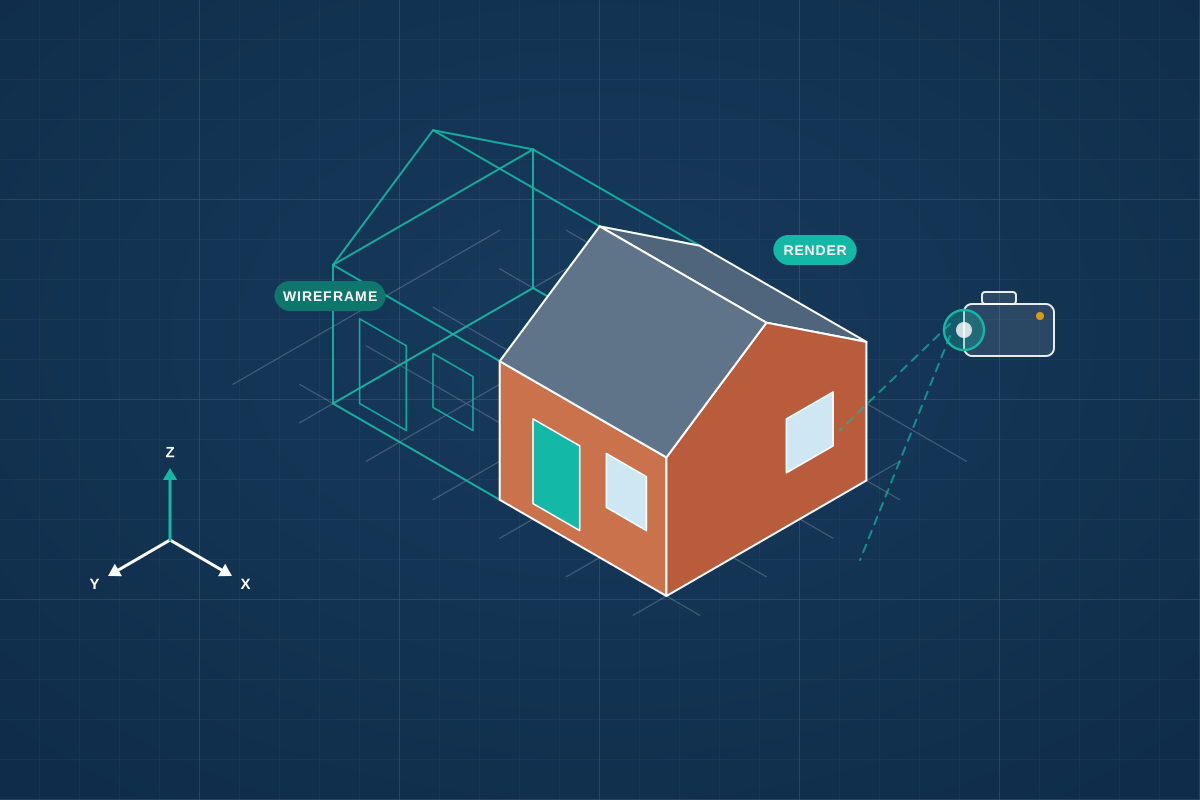
For homeowners, developers and businesses who want realistic renders, walkthroughs or planning visuals of a proposal. Share your drawings and compare quotes from professionals in 3D visualisation.
3D architectural visualisation turns drawings into images people can understand at a glance. Homeowners use renders to check how an extension or kitchen will look and feel before committing; developers use them to market homes before they’re built; and planning applications for larger or sensitive schemes often include visuals showing how a proposal sits in its surroundings. Outputs range from simple massing models to photorealistic still images, animated walkthroughs and interactive virtual tours. A good visualiser works from accurate drawings, agrees camera views, materials and lighting with you early, and is clear about whether an image is an artist’s impression or an accurately verified view.
How a professional can help
- Building a 3D model: They model the building from your drawings, adding materials, landscaping and surrounding buildings, so the design can be viewed from any angle.
- Photorealistic still images: They produce exterior and interior renders with realistic lighting, materials and furniture, from viewpoints chosen to show the design clearly.
- Walkthroughs and virtual tours: They create animations or interactive tours so you, your buyers or your investors can move through rooms and understand how the spaces connect.
- Visuals for planning: They prepare images showing the proposal in its real setting, including verified views built from surveyed camera positions where the council expects them.
- Comparing design choices: They can show different materials, colours, glazing or layouts side by side, helping you decide before anything is ordered or built.
Is this right for you?
- You find plans and elevations hard to picture and want to see the design before you commit.
- You’re a developer who needs marketing images for homes that haven’t been built yet.
- Your planning application is in a sensitive setting and would benefit from showing the proposal in context.
- You want to compare cladding, finishes or glazing options before making a choice.
How the project usually runs
- Brief and information: You share drawings, sketches, site photos and reference images; the visualiser confirms the number of views, the style and what each image needs to show.
- 3D model and draft views: They build the model and send draft camera angles, often as quick plain images, so you can agree the views before detail is added.
- Materials, lighting and detail: Materials, landscaping, furniture and lighting are added; you review the draft renders and ask for changes within the agreed revision rounds.
- Final images or animation: The final renders, animation or tour are produced at the resolution you need for print, websites, brochures or planning documents.
What affects the cost
- The number of still images, and whether they are interior, exterior or aerial views.
- The level of realism, from simple massing or sketch-style images to photorealistic renders.
- Animations, walkthroughs and virtual tours, which take much longer to produce than still images.
- How complete your drawings are, and whether the visualiser has to work up missing detail.
- Verified views for planning, which need surveyed camera positions and a recognised method.
- The number of revision rounds and how soon you need the final images.
Using visuals in a planning application
- Renders support a planning application but don’t replace the scaled drawings your council needs.
- For larger or sensitive schemes, councils may ask for verified views prepared using a recognised method, so the proposal is shown accurately.
- Images should reflect the design actually submitted, as misleading visuals can undermine confidence in an application.
- Label illustrative images clearly, so the council and neighbours know which visuals are artist’s impressions.
Questions people ask
What’s the difference between a render and a verified view?
A render is an image created to show what a design will look like, and some artistic licence is normal. A verified view places an accurate model into a photograph taken from a surveyed position, using a recognised method, so it can be relied on to show scale and visibility. Planning teams sometimes ask for verified views on larger or sensitive schemes.
What do you need from me to create renders?
Scaled drawings are the starting point, ideally CAD or 3D files from your designer. Add site photos, your chosen materials and examples of images you like. The more settled the design, the fewer changes are needed later.
Can I get renders before the design is finished?
Yes. Simple massing models or sketch-style views are useful for testing ideas and talking to neighbours or the council early on. Photorealistic renders are more worthwhile once the design is settled, because every change means updating the model and re-rendering the images.
Can renders show furniture and finishes inside?
Yes. Interior renders can include furniture, lighting, flooring, kitchen units and artwork, so you can judge the feel of a room. If you have particular products in mind, share links or photos so they can be modelled closely.
What is a virtual tour?
An interactive tour lets you look around a room or move between spaces on a screen or headset, rather than viewing fixed images. It’s popular for marketing new homes and for understanding complex layouts, and it usually takes more time to produce than still images.
Available across the UK
Professionals cover the whole of the UK: England, Scotland, Wales and Northern Ireland. Planning and Building Regulations differ between the four nations, and your professional will work to the rules that apply where your property is.
- Get free quotes
- Architectural Drawings
- Design and Access Statements
- Interior Design
- Residential Developments
- Accessible Home Design and Adaptations
- Architectural Project Management
- Balconies and Roof Terraces
- Building Regulations Drawings
- Feasibility Studies
- Garage Conversions
- Home Remodelling and Internal Alterations
- All services
- Find your area